
You’ve got your embroidery machine humming, a rainbow of thread spools at the ready, and a head full of creative projects. You browse online for a design, download it, and… your machine flashes an error. The file is incompatible. Suddenly, your excitement deflates, replaced by the frustrating world of three-letter extensions you don’t understand. This moment is a rite of passage for every embroiderer. The truth is, creating beautiful stitch-outs isn't just about fabric and thread; it's about speaking the right digital language. The key to unlocking your machine's full potential lies in understanding the purpose and nuances of each embroidery file format.
The Big Picture: Why So Many Formats Exist?
Think of embroidery machines like smartphone brands. Each major manufacturer—Brother, Janome, Singer, Bernina, Tajima—developed its own preferred language for its machines to read. This led to a proliferation of proprietary formats, like a digital Tower of Babel for threads and needles. While there’s a slow-moving industry effort toward universal standards, in 2026, we still live in a world of specific dialects.
Your mission isn't to memorize every single one, but to understand the core families and know how to navigate between them. This knowledge saves you money, time, and a whole lot of headaches.
The Core Family Tree: Breaking Down the Major Players
Let's demystify the most common formats you'll encounter, from the beginner's staples to the pro's toolkit.
The Household Names: Machine-Specific Formats
These are the native languages of your home machine. Your machine reads these fastest and most reliably.
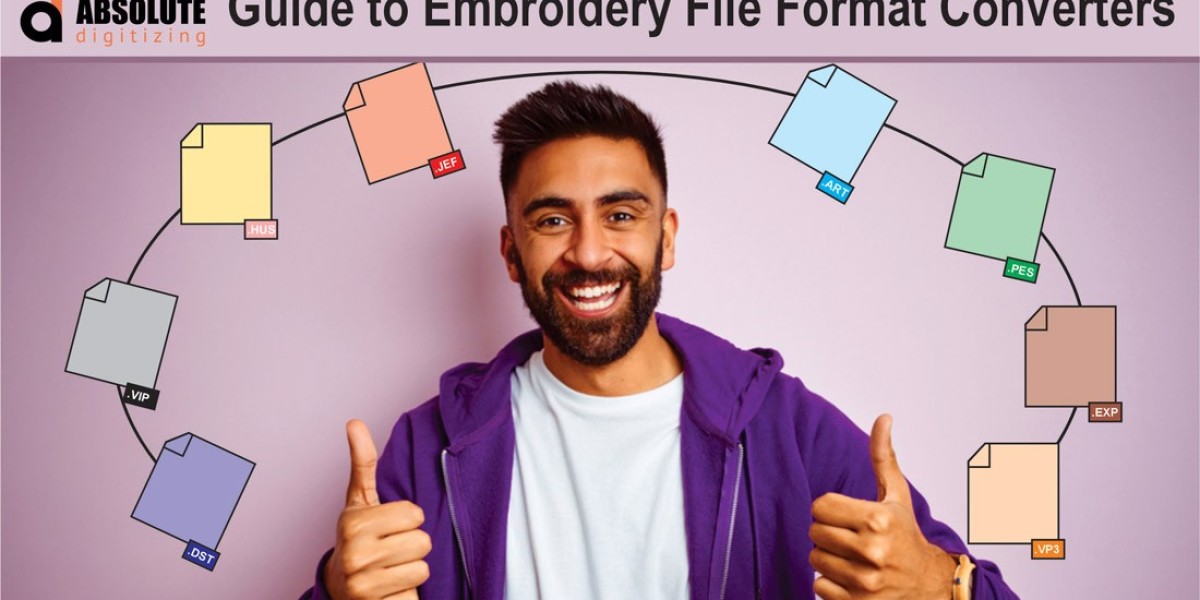
- PES: This is the Brother and Babylock family format. If you own one of these machines, PES is your go-to. It carries all the essential stitch, color, and stop information.
- DST: The undisputed king of the commercial embroidery world. Developed by Tajima, DST is the industry standard used in multi-needle professional shops and for large-scale production. Its brilliance is in its simplicity—it primarily holds stitch data and trims. This makes it incredibly robust and widely accepted, but it often lacks easy-to-edit color information.
- EXP: This is the native format for Melco and Bernina machines. Like PES for Brother, EXP is the preferred file for these brands to ensure perfect compatibility.
- JEF & VIP: JEF belongs to Janome machines, while VIP is the language of Husqvarna Viking and Pfaff home machines.
The Universal Couriers: The Converter-Friendly Formats
These act as helpful translators or high-quality "master files."
- ART: This is a Wilcom creation. Think of ART as a premium, feature-rich format. It can contain a huge amount of data, including editable lettering, complex stitch effects, and even multiple design variations in one file. It's often what a professional digitizer will send you as a master file, which you then convert to your specific machine format.
- CSD & XXX: These are the formats used by the popular software, SewWhat-Pro and SewArt. They are excellent intermediate formats for saving and editing designs before exporting them to your machine’s specific type.
The Specialized Tools: Formats with a Specific Job
Some formats exist to solve a particular problem.
- PEC: This is a lesser-seen Brother format that sometimes carries extra hoop or color data. For most home users, PES is the primary focus.
- FHE: The native format for the Floriani suite of software. It's another example of a software-specific master file.
From Beginner to Pro: Your Practical Roadmap
How you interact with these formats changes dramatically as your skills grow.
The Beginner's Rule: Stick to Your Native Tongue.
When you're starting out, your only goal is to find designs in your machine's format (like PES for Brother). Use trusted websites that allow you to filter by your machine type. Download, transfer via USB, and stitch. This avoids conversion errors and lets you focus on mastering fabric, tension, and stabilizer. Your question should always be: "Do you have this in [My Machine Format]?"
The Intermediate's Power Move: Learn to Convert.
The moment you want a design that doesn't come in your format, you step into the world of conversion. You have two main paths:
- Use Free/Included Software: Many machines come with basic software that can convert a handful of formats. Brother's PE-Design Now, for example, can read many common types and save as PES.
- Use a Dedicated Conversion Service: Online converters, like the one at embroidery.com, are a lifesaver. You upload the source file (say, a DST), select your target machine (like a Janome for JEF), and download the converted file. Crucial Tip: Always do a test stitch-out on scrap fabric after converting. The process can sometimes introduce small errors like a missed trim or a color change.
The Pro's Domain: Digitize and Edit in Master Formats.
Professionals and serious hobbyists operate at the source. They don't just convert files; they create and edit them using dedicated digitizing software like Hatch, Embrilliance, or Wilcom. Their workflow looks like this:
- They create or extensively edit a design in a rich master format like their software's native file or an ART file.
- They use the software's powerful tools to adjust stitch density, fine-tune pull compensation, perfect the sewing sequence, and fix any problem areas.
- Only at the final step do they export or "save as" the specific machine format needed—be it PES for a client's home machine or DST for sending to a commercial contract shop. They keep the master file for all future edits.
The 2026 Landscape: Smarter Tools, Timeless Principles
The good news in 2026 is that the tools are getting more intuitive. Some software now offers better auto-conversion, and cloud libraries are better at suggesting compatible files. However, the fundamental principles remain unchanged:
- Fidelity is Key: Every time you convert a file, there's a tiny risk of data loss. Converting from a rich format (like ART) to a machine format (like PES) is safe. Converting between two machine formats (like DST to PES) is usually fine but requires a test. Converting from a machine format back to an editable master format is often impossible—you can't unbake a cake.
- The Digitizer is the Source: If you can, always get a design from the original digitizer in your format. It's the purest version.
- Test, Test, Test: Your first hoop of any new or converted design should always be on a scrap of your project fabric. This catches formatting glitches before they ruin your final piece.
Mastering embroidery file formats is less about technical jargon and more about gaining creative freedom. It transforms you from someone who can only use pre-packaged designs into an embroiderer who can access vast libraries, fix small errors, and collaborate seamlessly with others. You stop seeing that frustrating error message and start seeing a simple puzzle to solve. This knowledge is the invisible thread that ties the digital design to the physical stitch, empowering you to bring any idea in your head to life, one perfect format at a time.